POS Data Is a Gold Mine That Most Operators Barely Scratch
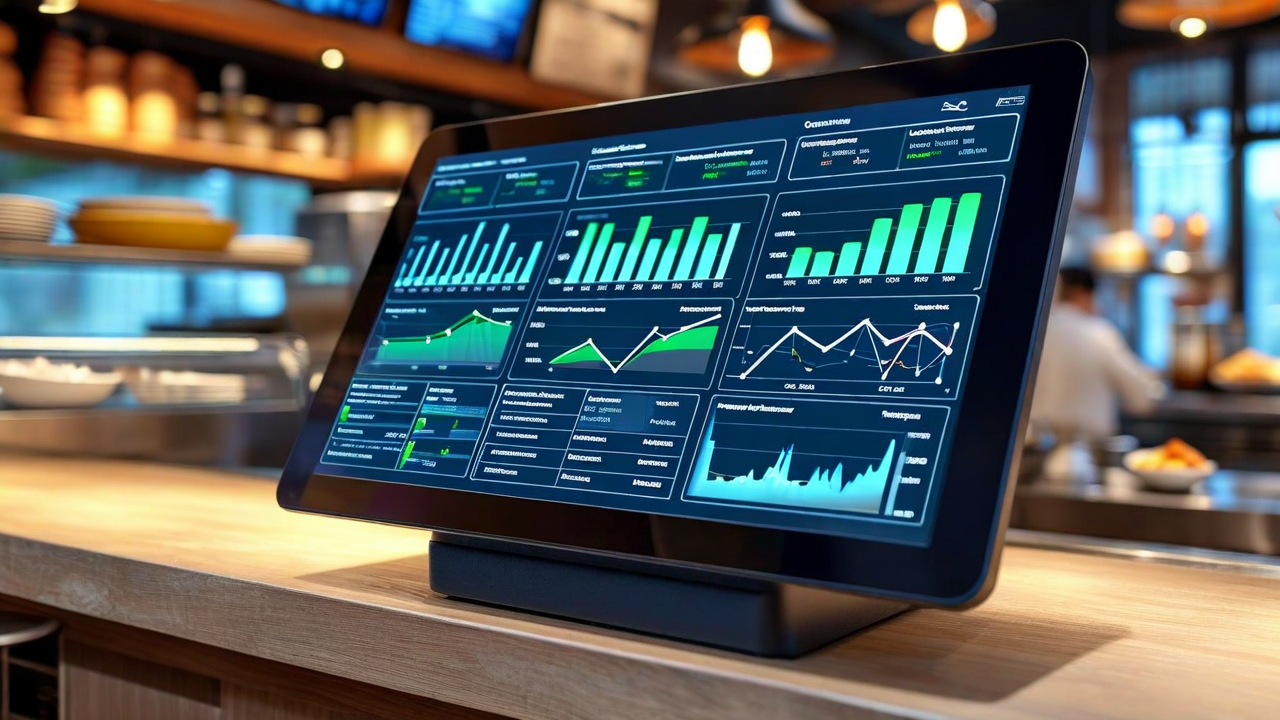
Your POS system is recording every transaction, every modifier, every comp, every void, every server check average, every table turn time, every item sold, every item 86'd. It has been doing this for however long you've had it. That's years of detailed operational data sitting in a database.
Most operators use maybe 10% of it. They pull end-of-day sales totals. They look at check counts. Maybe they check which server had the highest average check this week. That's it. The rest - the data that could actually change how you run the restaurant - sits untouched.
This isn't a criticism. POS reporting interfaces are usually terrible. The data is there, but the tools for making sense of it often aren't. Here's what's worth surfacing and what to do with it.
Item-Level Sales Patterns Over Time
Every menu item you sell has a velocity profile: how many you sell per service, which days of the week move which items, whether it's a lunch item or dinner item, whether it sells better on weekends or weekdays. Most operators have a rough intuition about this but almost nobody has actually pulled the numbers.
What the data usually reveals: the items you think are selling are often different from the items that are actually selling. The branzino might be what you're proud of, but your POS might show that 68% of your fish covers are the salmon, and the branzino is limping along at 12 covers a week. That's relevant to purchasing, to prep, to whether that dish deserves its menu real estate.
More useful still: velocity by time of day and day of week. If your short rib sells 40 covers on Friday dinner and 8 on Monday dinner, you shouldn't be prepping the same quantity both days. The POS data to build accurate prep guides by day-part is already there - it just needs to be pulled and used.
Modifier and Add-On Attach Rates
This one is almost always ignored. Every time a server suggests a side upgrade, an add-on appetizer, or upsells a premium protein substitution, it shows up in your modifier data. The aggregate attach rate on modifiers tells you several things at once.
First, it tells you which servers are actually doing suggestive selling and which aren't. If one section of your restaurant is generating a 34% protein-upgrade attach rate and another is at 8%, that's a training opportunity - and a revenue opportunity you can quantify. A server averaging $4.20 in modifiers per check versus a server averaging $1.10 per check, across 35 covers a shift over five shifts a week, is a $500/week revenue difference from one table section.
Second, modifier data tells you which add-ons customers actually want versus what your team is actually offering. If a mushroom add-on for your burger is available but shows up on fewer than 3% of burger orders, either customers don't want it or it's not being mentioned. The answer changes what you do next.
Void and Comp Patterns
Voids and comps are where POS data gets into quality control and theft prevention territory. Not every void is suspicious - drops happen, re-fires happen, order entry errors happen. But void and comp rates by employee, by time of day, and by item should be reviewed regularly.
What to look for: a specific server whose void rate is 3-4x the floor average. Voids that cluster at the end of a shift or after the manager goes off the floor. High comp rates on a specific item that suggest a recurring quality or execution problem.
On the quality side: if your scallop entree is being comped or sent back at a rate of 4-5% of orders, that's a kitchen execution signal, not random bad luck. Every re-fire is costing you product twice. The POS has the data. Whether it becomes actionable intelligence depends on whether anyone is looking at it.
Table Turn Time and Floor Utilization
If your POS tracks table open and close times, you have floor utilization data. Average turn time by party size, by day of week, by time of day. If your 4-top average turn on Friday dinner is 112 minutes, and you're turning 6 times from 6-10pm, that's 6 covers per table per service. If you could get it to 95 minutes with better timing on checks and dessert presentations, you'd potentially fit a 7th turn - without adding a single table.
This sounds like a small thing. On 20 four-tops, a consistent 7th cover turn on your two busiest nights is 40 additional covers per week. At a $58 average check, that's $2,320 in weekly revenue from operational efficiency alone.
Server Performance Segmentation
Average check per server is the most common metric operators pull. It's useful but incomplete. The more informative picture comes from looking at average check alongside turn time and cover count. A server with a $78 average check but 130-minute turns and 22 covers per shift has a different productivity profile than a server with a $65 average check, 85-minute turns, and 38 covers per shift.
Neither profile is automatically better - it depends on your restaurant's model. But understanding the distribution helps you make better floor assignments, improve training focus, and build sections that serve your revenue strategy rather than just defaulting to seniority.
The Problem of Disconnected Data
All of this data is in your POS. The catch is that most of the really useful analyses require correlating POS data with other sources: labor data (to see sales-per-labor-hour), inventory data (to see theoretical vs. actual usage), and scheduling data (to understand what your floor looks like when performance changes). When those data streams live in separate systems, the analysis becomes manual and most operators never do it.
The operators who get the most out of their POS data tend to have it feeding into a central reporting layer where these correlations happen automatically. That's where the POS stops being a transaction recorder and starts being an actual management tool.
DineLoop connects your POS data with inventory and scheduling in one view. Stop exporting CSVs and start seeing the full picture automatically.
See the Platform