Order Management
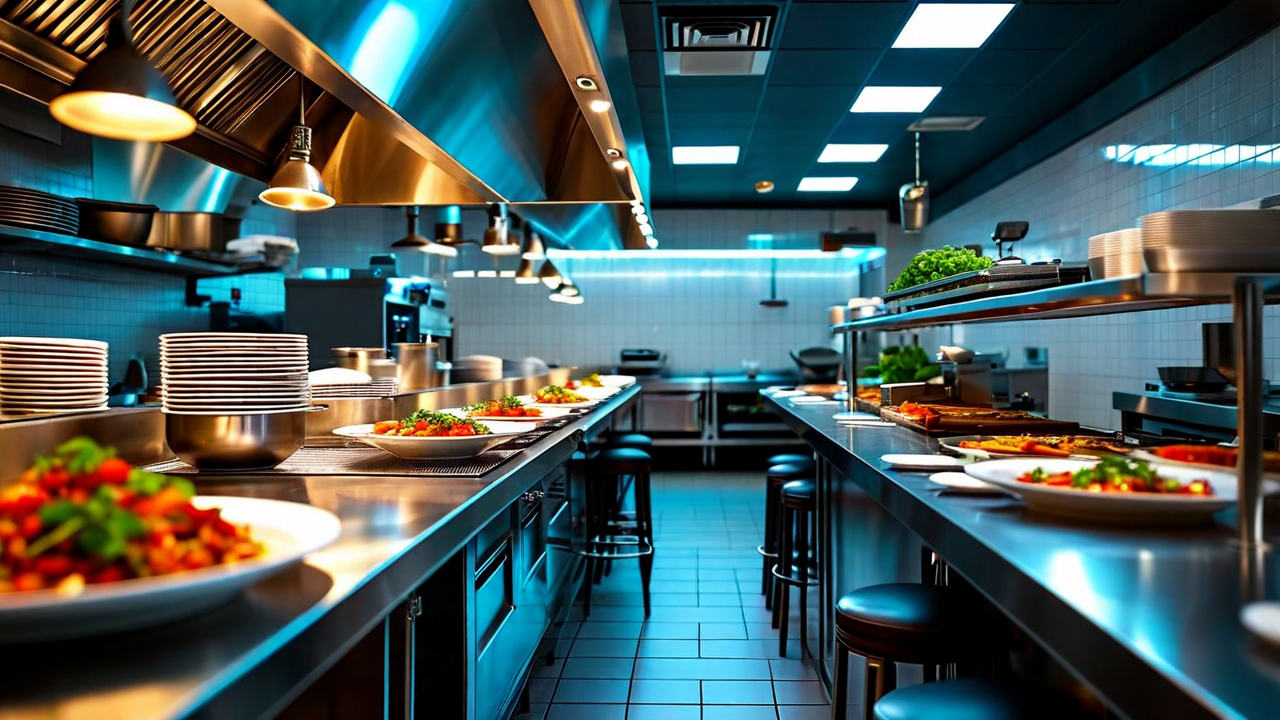
Every incoming order - dine-in tickets, online orders, third-party delivery - lands in the same queue. Your kitchen display shows them all in one view, ordered by priority and timing. No more jumping between tablets to see what's in.
- Unified order queue across all channels
- Kitchen display integration
- Third-party delivery sync (DoorDash, Uber Eats, Grubhub)
- Order status tracking and timing alerts
- Modifier and special request flagging
Inventory Control
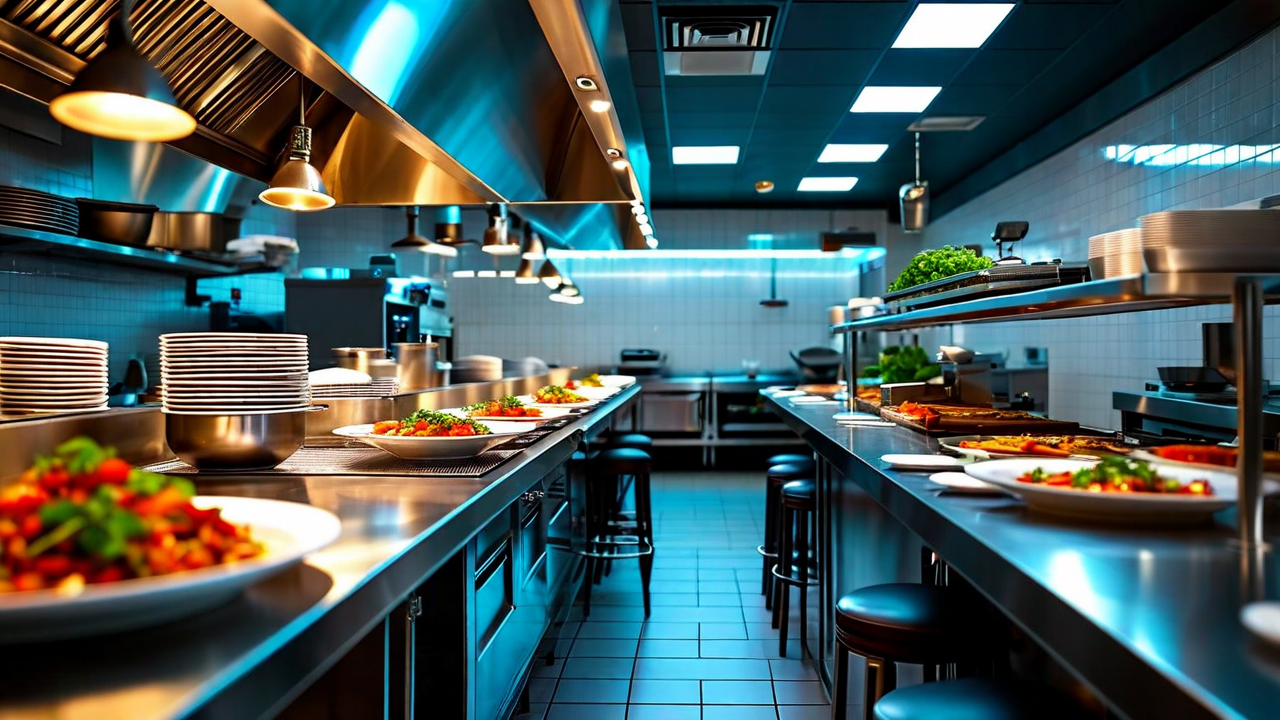
Track what you have, what you're using, and what you're throwing out. DineLoop deducts ingredients as orders come in, so your par levels stay accurate throughout the day. When something drops below your threshold, you get an alert before service - not after.
- Real-time ingredient deduction from orders
- Low-stock alerts by custom threshold
- Weekly count sheets in the app
- Waste logging and reporting
- Vendor ordering with one-click reorder lists
Staff Scheduling
Build your schedule based on forecasted covers - DineLoop shows you last week's traffic by time slot so you can staff against real demand instead of guessing. Publish shifts and staff see them immediately. Swaps, call-outs, and confirmations happen in the app, not via text chain.
- Demand-based scheduling recommendations
- Shift publishing and staff confirmations
- In-app shift swap requests
- Labor cost projections before publishing
- Time clock and attendance tracking
Daily Reporting
Every morning, DineLoop sends you a summary of yesterday: total revenue, covers, average check, top items, labor percentage, and food cost against target. You know where you stand before you step through the door. For multi-location operators, you get one report that covers every location side by side.
- Daily email summary with key metrics
- Revenue, covers, and average check tracking
- Labor and food cost percentages vs. target
- Top-selling and low-margin item flags
- Multi-location comparison view